How do I match a subsea dome to my lens, and what optics specs should I specify?
- Share
- Issue Time
- Oct 30,2026
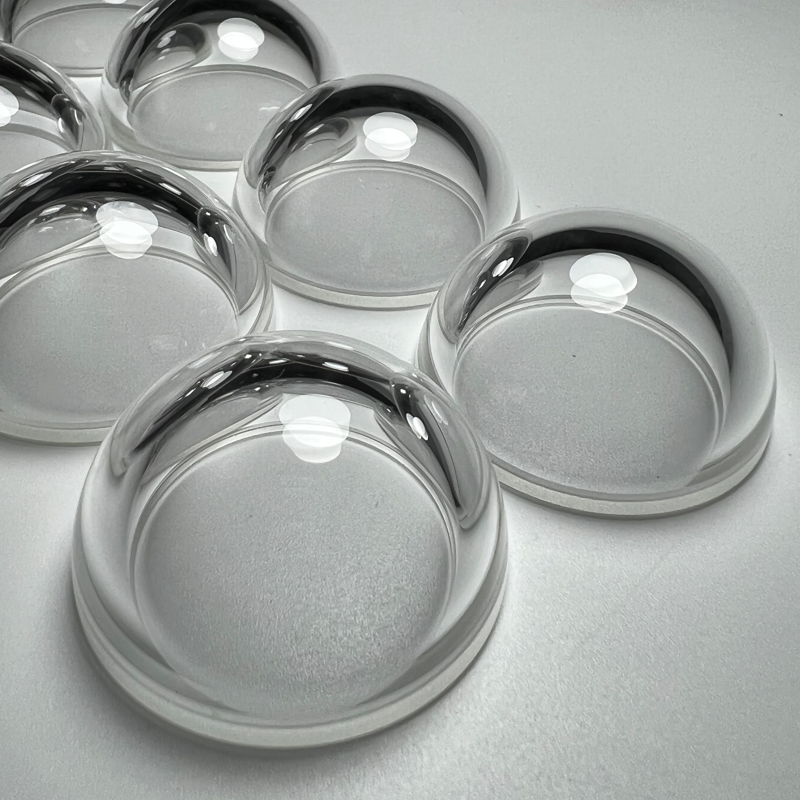
7. How do I match dome curvature to my lens?
A dome port works as part of an optical system, not as a transparent hemisphere on its own. To review the match, send us:
- Lens model, focal length and sensor format.
- Entrance-pupil position, if available.
- Your existing port or housing geometry.
We then review inner/outer radii, thickness uniformity, concentricity and the mounting position together. This catches integration risks before you pay for a prototype. A note on honesty: final image-quality acceptance — whether by analysis or underwater test — has to be defined separately and agreed in writing; we won't promise a sharp image on a drawing review alone.
8. What surface quality, clear aperture and concentricity should I specify?
When you write the RFQ, you can pin these directly:
- Clear aperture — the optical area that must meet spec.
- Surface quality — e.g. a scratch-dig grade, if your application needs it.
- Surface figure — only when your imaging truly requires it.
- Concentricity — alignment of the optical surfaces.
A practical caution: the tighter you set every parameter, the higher the cost and the longer the lead time. Set the specs your image actually needs — not the tightest number you can think of.
9. Why do I get edge blur or distortion with my dome port?
Usually it's not just "a bad dome." The common causes:
- Dome curvature and lens focal length don't match.
- Wall thickness isn't uniform across the aperture.
- The lens sits at the wrong distance from the dome.
- There's an unplanned medium (air, water, adhesive layer) between lens and dome.
Because it's a lens-plus-dome problem, swapping in a different dome alone may not fix it. Send us your lens model and we'll review the combination before you machine another housing.
Related: browse the underwater optical dome product family, read the subsea optical dome engineering hub, or explore the subsea dome FAQ library.